OPENING THE CODEX
Opening the Codex…
Gathering the requested field notes.
OPENING THE CODEX
Opening the Codex…
Gathering the requested field notes.
Beta / HEARTHSIDE CODEX REPORT
Blizzard's compatible GPU examples are below the full minimum requirements. Learn the architecture cutoff, check your Windows graphics adapter and select the correct beta client.
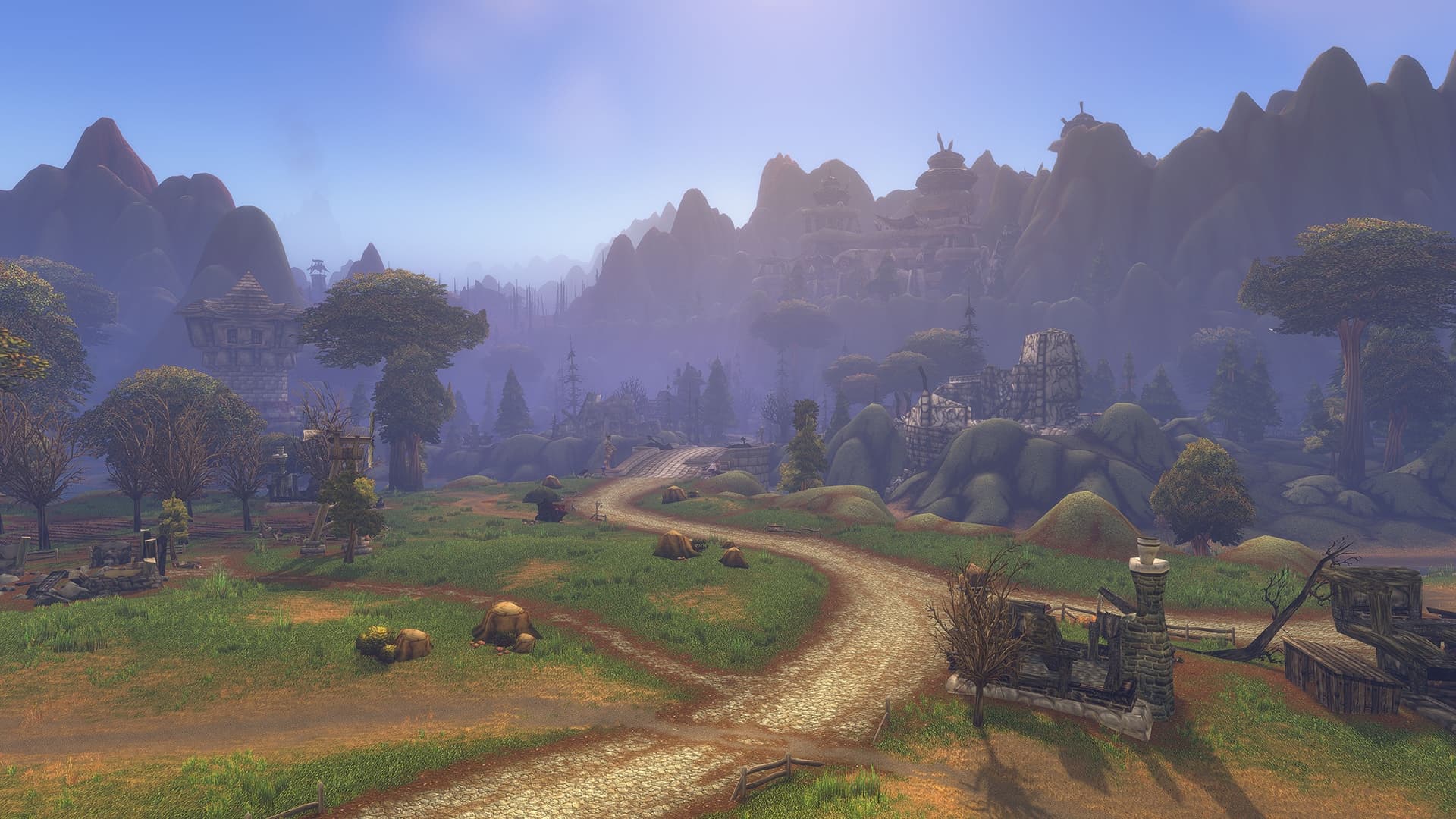
Before installing the Forever beta, check both your account access and your graphics hardware. Blizzard's September 17 GPU guidance describes an architectural compatibility requirement introduced by the game's visual updates. A card that meets that cutoff can still fall below the full minimum specifications.
The compatibility check asks whether a graphics processor supports a feature the client requires. Blizzard says the Forever visual update needs RGBA16F UAV support in compute shaders. That technical boundary is separate from the speed, memory and other requirements needed to run the game well.
The named compatible cards below are examples of the architectural floor, not hardware recommendations. Blizzard explicitly places those examples below the full minimum requirements. Use the complete requirements linked from the official GPU article when assessing a machine; this table alone cannot establish a frame rate or a suitable graphics setting.
Sources[1] Blizzard Entertainment
Claim · gpuCompatibilityReasonForever's visual changes require RGBA16F UAV support in compute shaders.
Editor note: This architectural feature establishes compatibility, not a performance target.
Claim · gpuCompatibleExamplesAMD Radeon HD 7850, NVIDIA GeForce GTX 9xx series and GTX 750 / 750 Ti, Intel HD Graphics 530
Editor note: Blizzard explicitly says these compatible examples remain below the full minimum requirements.
These examples are reproduced as hardware names for identification. The cutoff applies to architecture, so a larger model number is not by itself proof of support.
| Vendor | Required architecture | Compatible examples, below full minimums | Examples Blizzard lists as incompatible |
|---|---|---|---|
| AMD | GCN1 (2012) or newer | Radeon HD 7850 | Radeon HD 6950 |
| NVIDIA | Maxwell (2014) or newer | GeForce GTX 9xx; GTX 750 and 750 Ti | GeForce GTX 760, 770 and 780; GTX 8xxM |
| Intel | Skylake (2015) or newer | HD Graphics 530 | HD Graphics 6000 |
Sources[1] Blizzard Entertainment
Claim · gpuCompatibilityFloorAMD GCN1 or newer, NVIDIA Maxwell or newer, Intel Skylake or newer
Editor note: Compatibility examples are below the full minimum requirements and are not performance recommendations.
Claim · gpuArchitectureYearsAMD GCN1, introduced in 2012, or newer, NVIDIA Maxwell, introduced in 2014, or newer, Intel Skylake, introduced in 2015, or newer
Claim · gpuCompatibleExamplesAMD Radeon HD 7850, NVIDIA GeForce GTX 9xx series and GTX 750 / 750 Ti, Intel HD Graphics 530
Editor note: Blizzard explicitly says these compatible examples remain below the full minimum requirements.
Claim · gpuUnsupportedExamplesAMD Radeon HD 6950, NVIDIA GeForce GTX 760 / 770 / 780 and GTX 8xxM series, Intel HD Graphics 6000
Sources[1] Blizzard Entertainment[2] Blizzard Entertainment
Claim · gpuCheckWindowsSettings > System > Display > Advanced display, Device Manager > Display adapters
Claim · betaInstallationUpdate graphics drivers and the Battle.net desktop app, Select World of Warcraft: Forever Beta under In Development in the World of Warcraft Game Version menu, Install, select an available test realm and create a test character
First check that the Battle.net account has access. Selected opt-in players receive invitations, while the Skyborne Epic Pack and Warcraft Forever Collection include beta access. Blizzard notes that an eligible purchase can take up to 30 minutes to flag the account and that restarting the desktop app may be needed.
An invited account can be checked for a Forever beta license under Your Game Accounts on Battle.net. A Friend Launch Code for November does not substitute for a beta invitation; the full access guide explains the separate routes.
Sources[2] Blizzard Entertainment[3] Blizzard Entertainment
Claim · betaAccessRoutesSelected players who opted in receive invitations during testing, Skyborne Epic Pack and Warcraft Forever Collection include beta access
Claim · betaAccessActivationEligible purchases can take up to 30 minutes to flag an account; restarting Battle.net may be necessary. An invited account can be checked for a Forever beta license in Your Game Accounts.
Claim · friendCodeEligibilityEligible friends can use a Friend Launch Code to play during November 4–11 without their own subscription or game time. Codes do not include beta access, and gift purchases are excluded from the code offer.
Editor note: Other eligibility restrictions apply; this is not a complete reproduction of the offer terms.
REPORTING REFERENCES
These are the records used for this report. Source types are labeled, and claim details can be expanded beside the relevant section.
Published · Checked
Published · Checked
Published · Checked
CONTINUE READING
Blizzard's September 22 client update targets Mac display and stability, controller navigation and quest-giving items. The next full weekly update is planned for September 24.
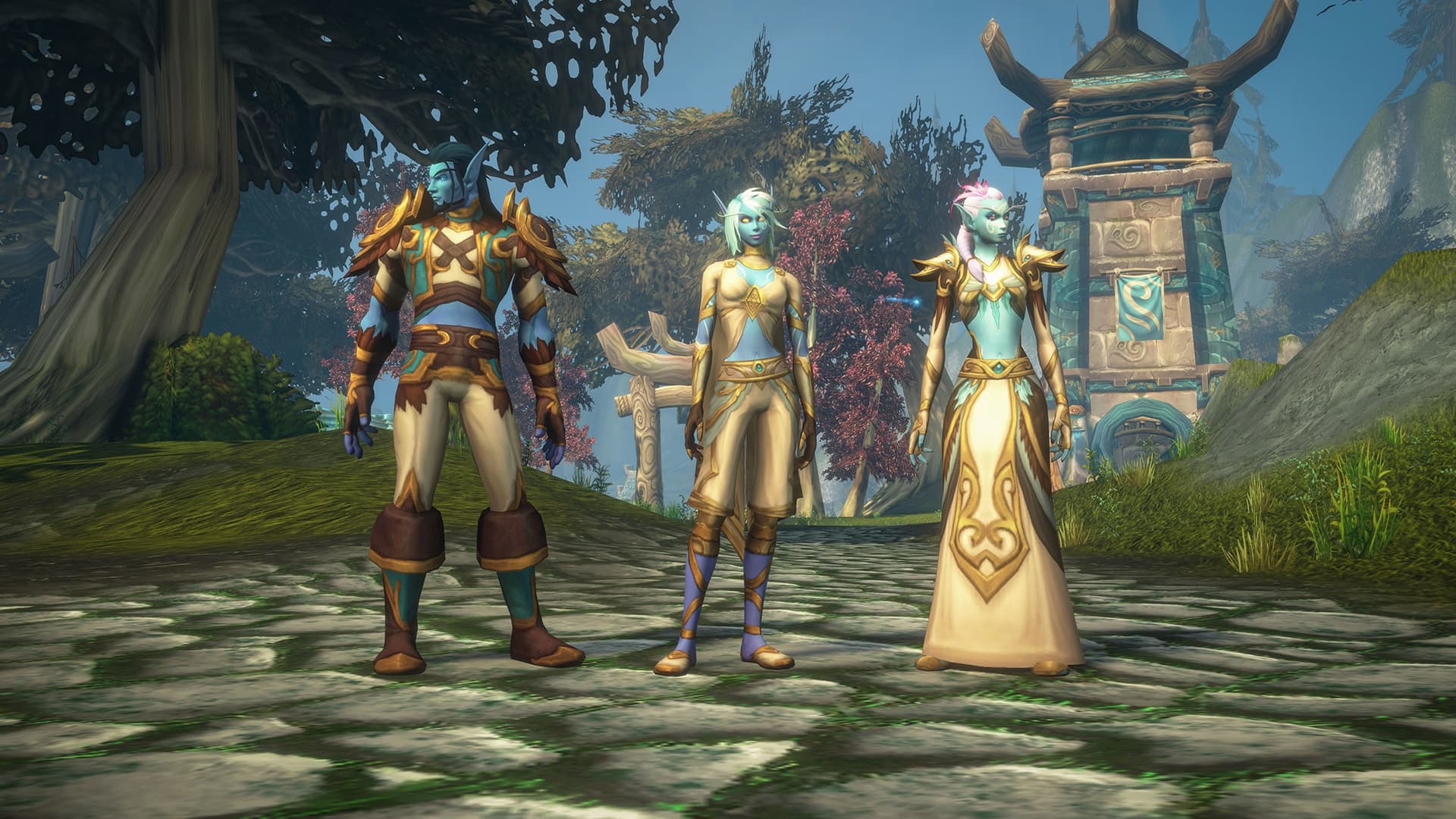
The first test covers levels 1–20, Skyborne, Zephras Isle and two dungeons. Here is how access works, how to install the client and what Blizzard plans to open later.
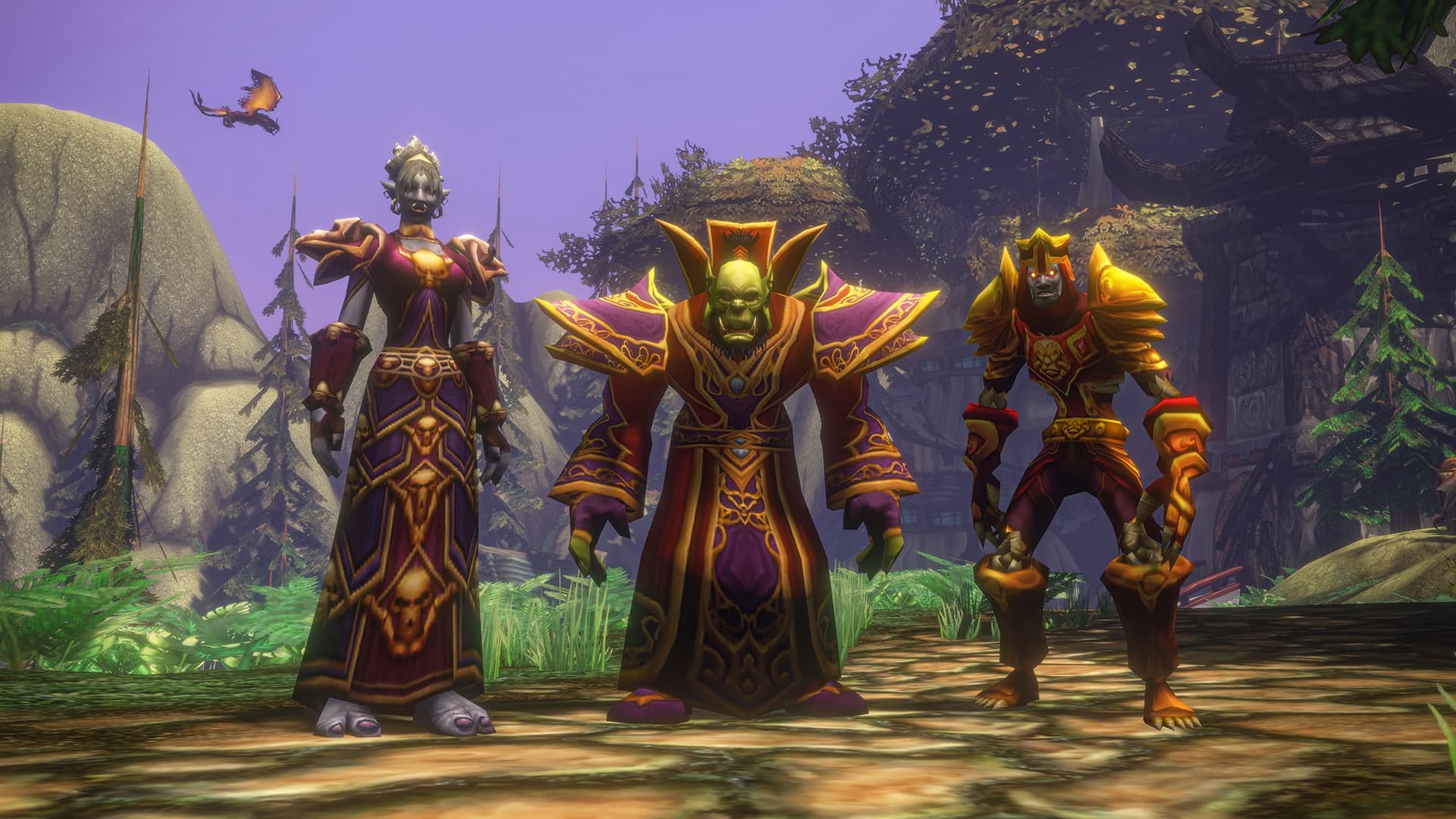
Blizzard's September 18 list covers combat, pets, quests, interface errors and social features. The promised next-build fixes are distinguished from work still in progress.